


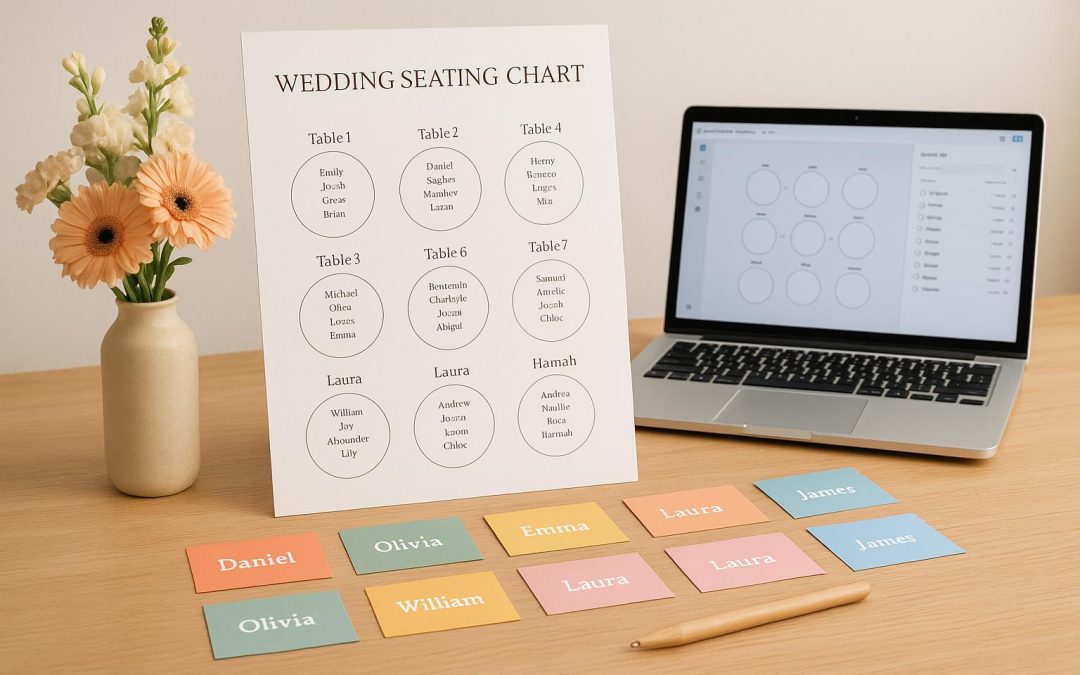
Plan Your Perfect Day with a Wedding Seating Chart Tool
Organizing a wedding involves countless details, and figuring out where everyone sits can feel like solving a puzzle. That’s where a digital seating arrangement planner comes in handy. This innovative solution helps couples map out their reception layout, ensuring Aunt Linda isn’t next to Cousin Mike after last year’s holiday drama. Beyond avoiding awkward pairings, it’s about creating a welcoming vibe where guests feel comfortable and connected.
Why Use a Digital Planner for Guest Seating?
A well-thought-out table setup can elevate the entire event experience. With an intuitive online tool, you can input guest numbers, choose table shapes, and assign spots with ease. Add details like dietary restrictions or relationships to keep things organized. Whether you’ve got 50 attendees or 200, the ability to visualize the layout and tweak it on the fly saves time and reduces stress. Plus, having a clear, printable list ensures your venue staff can execute your vision flawlessly. If you’re looking to streamline one of the trickier parts of wedding planning, a guest organizer platform might just be your new best friend.
FAQs
Can I group guests by categories like family or friends?
Absolutely! Our tool lets you tag guests with custom categories like ‘bride’s family’ or ‘groom’s friends.’ This makes sorting a breeze, especially for larger weddings. Just add the label when entering their info, and you can filter or group them with a click.
Is it easy to make changes if someone RSVPs late?
Yes, we’ve got you covered. You can add or remove guests anytime, and rearranging is as simple as dragging their name to a new spot. The visual chart updates instantly, so you’re always seeing the latest setup. No stress, even with last-minute changes!
Can I print or share my seating chart?
Of course! Once your chart is ready, you can view it as a neat diagram with labeled tables and names. Then, download a printable list of assignments to share with your venue or coordinator. It’s formatted to be clear and professional-looking.